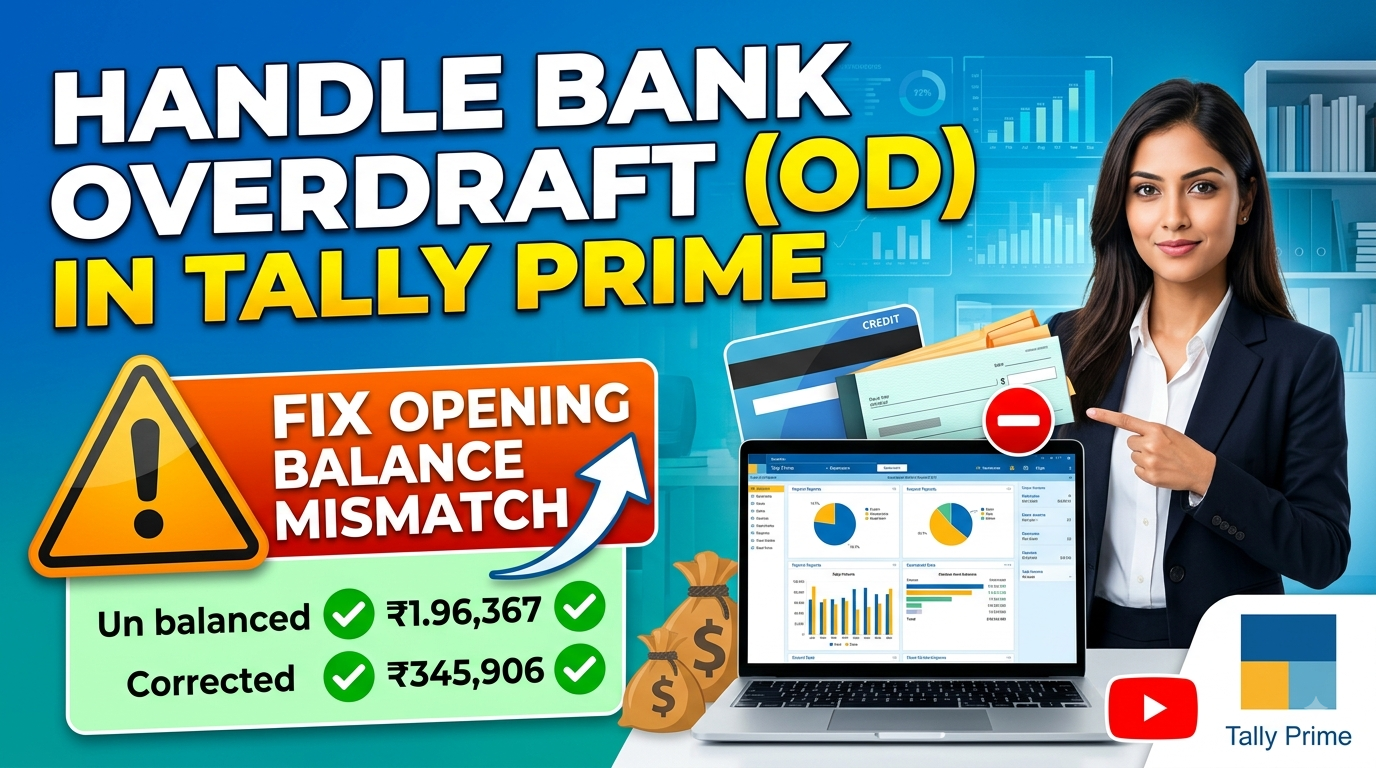
How to Handle Bank OD Account in Tally Prime (Fix Opening Balance Mismatch)
When starting a new business with a Bank Overdraft (OD) facility—such as a ₹15 Crore OD limit from HDFC Bank—many accounting beginners and small business owners run into a common roadblock: “Difference in Opening Balance” in Tally Prime.
This error happens because of a fundamental misunderstanding of how Overdraft facilities work in double-entry bookkeeping. Here is a simple, step-by-step guide to setting up and managing a Bank OD account in Tally Prime correctly.
The Common Mistake: Why the Mismatch Happens
When HDFC Bank sanctions a ₹15 Crore OD limit, people often try to enter ₹15,00,00,000 directly into the Opening Balance field while creating the bank ledger.
In Tally Prime, the Opening Balance is strictly meant for brought-forward balances from previous financial years. Entering a loan limit as an opening balance without an equal balancing entry (Debit/Credit) causes Tally’s Balance Sheet to go out of alignment, creating an “Opening Balance Mismatch.”
Furthermore, an OD facility is not cash deposited into your account—it is a sanctioned borrowing cap.
Step-by-step: Correct Setup in Tally Prime
Step 1: Create the OD Ledger Correctly
Go to Gateway of Tally > Create > Ledger.
Name:
HDFC Bank OD A/cUnder: Select
Bank OD A/c(This is a built-in group under Liabilities/Loans).Opening Balance: Keep this strictly as
0(or0 Cr).
Key Rule: Leaving the Opening Balance at zero instantly resolves the mismatch error.
Step 2: Do NOT Pass an Entry for the Approved Limit
You do not need to pass a Receipt (F6) or Journal (F7) voucher just because the bank approved the ₹15 Crore limit. The sanctioned limit simply gives your business permission to spend up to ₹15 Crore out of this account.
Understanding Plus (+) and Minus (-) in Bank OD
In standard current accounts, a Debit (Dr) balance is positive (your cash asset). In a Bank OD Account, the rules flip because it is a Liability (Borrowing) account:
Credit (Cr) = “Minus” (Your Active Debt):
Whenever you pay suppliers or withdraw money out of your OD limit, record it using a Payment Voucher (F5). The account balance will move into Credit (Cr), which represents the funds you currently owe to the bank.
Debit (Dr) = “Plus” (Debt Clearance):
Whenever customers pay you or you deposit sales revenue into the OD account, record it using a Receipt Voucher (F6). This Debit (Dr) entry reduces your outstanding OD debt, lowering your daily interest charge from the bank.
Summary Checklist for Tally Users
| Action / Event | Voucher Type in Tally | Ledger Posting | Resulting Balance |
| Ledger Creation | Ledger Creation | Opening Balance = ₹0 | Balance Sheet Balanced (No Mismatch) |
| Paying Vendors / Expenses | Payment (F5) | Credit (Cr) HDFC Bank OD A/c | Cr Balance (Minus / Debt owed to bank) |
| Receiving Customer Payments | Receipt (F6) | Debit (Dr) HDFC Bank OD A/c | Reduces Cr Balance (Plus / Clears debt) |
Live Demo – Passing a Payment Voucher (Spending OD Funds)
On Screen Action:
Go to Vouchers > F5: Payment.
Account:
HDFC Bank OD A/c.Particulars: Select a Vendor/Supplier ledger and enter an example amount (e.g., ₹10,00,000).
Save the voucher and immediately open Balance Sheet > Current Liabilities > Bank OD A/c to show the ledger balance displays as
10,00,000 Cr.
Live Demo – Passing a Receipt Voucher (Depositing Funds)
On Screen Action:
Go to Vouchers > F6: Receipt.
Account:
HDFC Bank OD A/c.Particulars: Select a Customer ledger and enter an example amount (e.g., ₹3,00,000).
Save and show the Balance Sheet again to show the OD balance reduced from ₹10 Lakhs Cr to
7,00,000 Cr.
You May Also Like

-
Oct 12, 2026
What is FCRA? FCRA stands for the Foreign Contribution (Regulation) Act. It is a law enacted by the Ministry of...

-
Jun 18, 2026
You open Tally to finish your work, click on your company, and boom—a scary error pops up. Or worse, your...

-
May 27, 2026
WHY GOVERNMENT CREATED RCM?” Why did the Government create Reverse Charge Mechanism (RCM)? Forward Charge Mechanism (FCM)The Regular Way Imagine...
Sign up to receive our latest updates
[mc4wp_form id=3101]
Get in touch
Address
152A, Annavalaivu, Thuvakudimalai, Tiruchirappalli, Tamil Nadu – 620 022
Landmark : Near Post Office
Landmark : Near Post Office
bloomingtutorial@gmail.com
