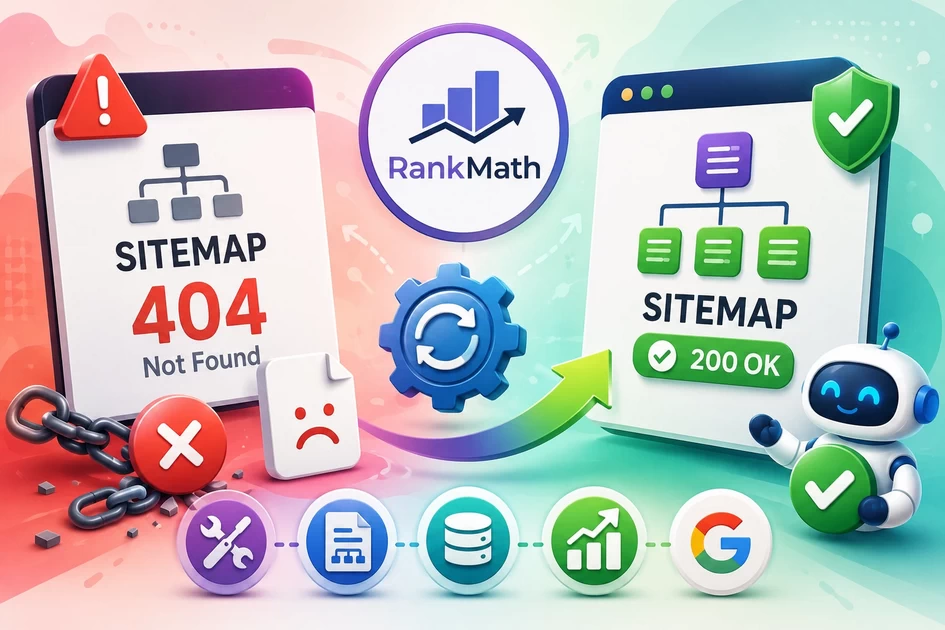
📘 CASE STUDY: Rank Math Sitemap 404 Issue (Real WordPress Example)
Introduction This article explains a real Rank Math sitemap issue faced on a WordPress website (bloomings.in) and how it was...
-
by
-
Dec 22, 2025
Introduction
This article explains a real Rank Math sitemap issue faced on a WordPress website (bloomings.in) and how it was resolved without guesswork.
Interestingly, another site (bloomingtutorial.com) using the same SEO plugin worked perfectly. This comparison helped identify the true technical cause. Real Case Study Tutorial
This case study is useful for:
-
- WordPress users
-
- SEO professionals
-
- LMS / course website owners
-
- Anyone facing sitemap 404 errors
Problem Overview
Both websites used:
-
- WordPress
-
- Rank Math SEO
-
- Similar hosting environment
Yet:
-
- bloomingtutorial.com → sitemap worked
-
- bloomings.in → sitemap returned 404 Not Found
This ruled out Google penalties and SEO plugin bugs.
Symptoms Observed on bloomings.in
The following issues were noticed:
-
/sitemap_index.xml→ 404
-
/post-sitemap.xml→ 404
-
/page-sitemap.xml→ 404
-
/lesson-sitemap.xml→ 404
But surprisingly:
-
/course-sitemap.xml→ Working
-
/product-sitemap.xml→ Working
Google Search Console added confusion by showing:
“Sitemap couldn’t be fetched”
while individual sitemaps showed Success.
Key Observation (Turning Point)
Custom post type sitemaps worked, but core WordPress post types failed.
Working:
-
- Courses (LearnPress)
-
- Products (WooCommerce)
-
- Course categories
Not Working:
-
- Posts
-
- Pages
-
- Lessons
-
- Sitemap index
This distinction revealed the real issue.
Root Cause (Confirmed)
❌ Broken WordPress Core Rewrite Rules
The problem was NOT:
-
- Rank Math bug
-
- Google Search Console issue
-
- Robots.txt blocking
-
- Redirection conflict
The real cause was:
WordPress permalink and rewrite rules for core post types were broken.
Why Custom Post Types Still Worked
Plugins like:
-
- LearnPress
-
- WooCommerce
register their own rewrite rules, so they continued to function even when WordPress core rewrites failed.
The Exact Fix (What Actually Worked)
Step 1: Force Rewrite Rule Regeneration
-
- Go to Settings → Permalinks
-
- Select Plain → Save
-
- Select Post name → Save again
This forces WordPress to rebuild all rewrite rules.
Step 2: Verify Rank Math Sitemap Settings
Ensure these are ON:
-
- Posts
-
- Pages
-
- Lessons
-
- Include in sitemap
Step 3: Disable Sitemap Cache (Temporary)
-
- Rank Math → Sitemap Settings
-
- Disable Cache Sitemaps
This avoids server-level cache conflicts.
Step 4: Confirm Sitemap URLs
After fixing permalinks, these URLs worked:
-
/sitemap_index.xml
-
/post-sitemap.xml
-
/page-sitemap.xml
-
/lesson-sitemap.xml
Google Search Console Confusion Explained
Why does GSC still show “Sitemap couldn’t be fetched”?
Because Google:
-
- Tried earlier (when sitemap was broken)
-
- Cached the error
-
- Later fetched sub-sitemaps successfully
-
- Has not refreshed the top-level status yet
This is normal behavior.
Do You Need Redirection?
❌ No — and here’s why:
-
- Sitemap URL never changed
-
- Sitemap now loads correctly
-
- Google discourages redirecting sitemap files
Correct action:
-
- Remove sitemap from GSC
-
- Add it again once
-
- Wait 24–72 hours
Noindex vs Sitemap (Important Concept)
-
- Noindex → controls visibility in search results
-
- Sitemap → controls discovery
Rank Math does NOT include Noindex pages in sitemaps by default.
Also:
Noindex does not cause sitemap 404 errors.
404 errors are routing problems, not SEO directives.
Final Verdict
| Question | Answer |
|---|---|
| Is Rank Math broken? | ❌ No |
| Is sitemap accessible now? | ✅ Yes |
| Is Google blocked? | ❌ No |
| Is redirection needed? | ❌ No |
| Is indexing working? | ✅ Yes |
Conclusion
This case study proves an important rule:
If custom post type sitemaps work but posts/pages fail, always check WordPress rewrite rules first. Click here to watch video
Once permalinks were rebuilt:
-
- Sitemaps worked
-
- Google began reading URLs
-
- Remaining GSC message became temporary cache noise
This was a technical routing issue, not an SEO failure.
-
AboutBIT

You May Also Like
Sign up to receive our latest updates
[mc4wp_form id=3101]
Get in touch
Address
152A, Annavalaivu, Thuvakudimalai, Tiruchirappalli, Tamil Nadu – 620 022
Landmark : Near Post Office
Landmark : Near Post Office
bloomingtutorial@gmail.com
