How to Create Company Account in Tally (Step-by-Step Guide for Beginners – 2026)
How to create company account in Tally Prime is one of the first steps every beginner should learn before starting accounting. In this step by step guide, we will explain the complete company creation process clearly. If you are starting a business or learning accounting, Tally company account creation is the first and most important step.
In this complete guide, I will show you how to create a company in Tally Prime step-by-step, with easy explanations and image prompts.
Why Creating a Company in Tally is Important?
Before entering sales, purchase, GST, or expenses, you must first create your company profile in Tally.
✔ Store business details ✔ Maintain accounts properly ✔ Enable GST & tax features ✔ Generate reports easily
Step 1: Open Tally Prime Software
After installing Tally Prime:
Double-click on Tally Prime icon
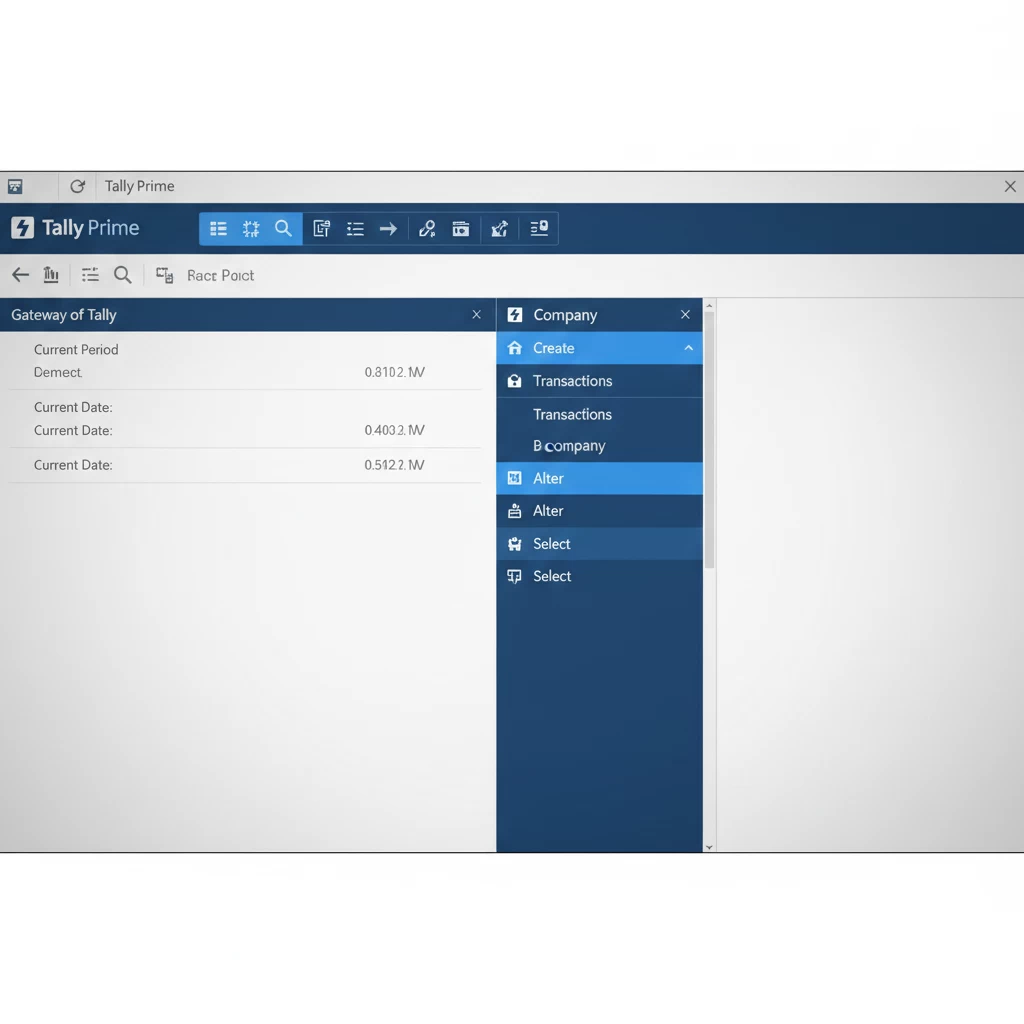
Gateway of Tally screen will open
Press Alt + K (Company)
Step 2: Select “Create Company”
Now:
Click on Create Company
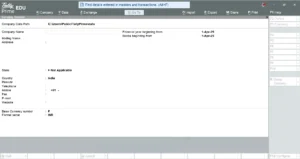
Company Creation screen will appear
Step 3: Enter Company Details
Fill all required details carefully:
Basic Details
Company Name
Mailing Name
Address
State
Country
Pincode
Contact Number
Email ID
Financial Year Details
Financial Year Beginning (Example: 01-04-2025)
Books Beginning From
💡 Tip: In India, Financial Year starts from 1st April.
Creating a company in Tally is the foundation of proper accounting. Follow the above step-by-step method carefully and your company will be ready within 5 minutes.
If you are a beginner, practice once in demo mode.